
Reminders
A reminder is a one-shot notification attached to a vehicle. When its condition is met, Spanner sends an email if the vehicle's email preference allows it.
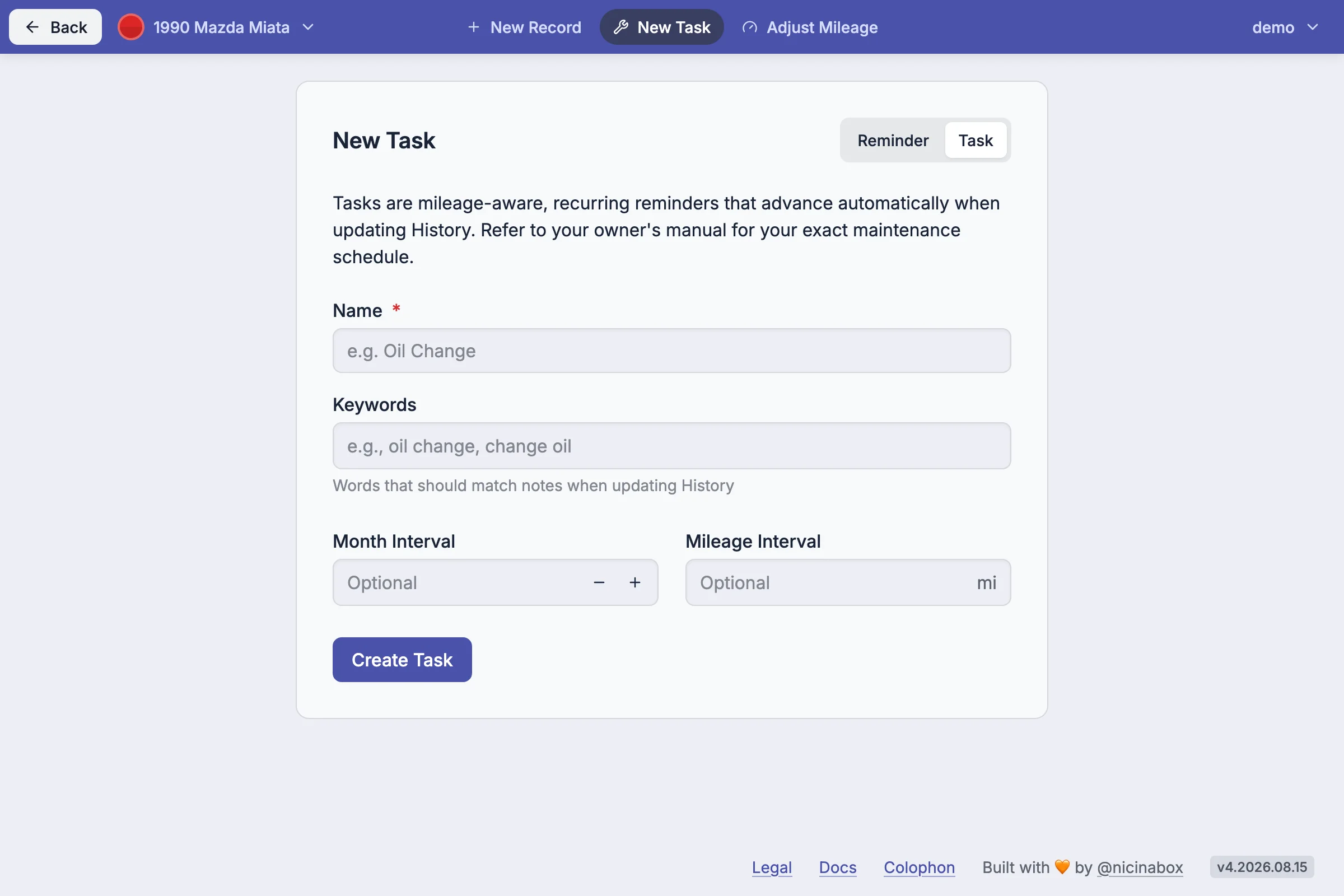
In the app #
Open a vehicle from the Vehicles page, then go to Reminders. The list and add action live there.
How it works #
A reminder has a condition, one of:
- Date - sends on the given calendar date
- Mileage - sends when the vehicle's Projected mileage reaches the threshold
- Date or mileage - sends when either condition is met (whichever comes first)
A date reminder sends once on that date and stops. A mileage reminder sends each time the Projection updates and the mileage threshold is crossed.
Reminders remain in the list until completed. To set one up again or remove it, edit it from the Reminders tab and save it with new values, or delete it.
Notes #
Mileage reminders depend on the Projection. A vehicle with no record history will not receive mileage reminders.
Sending is also subject to account-level controls: unsubscribing stops all reminder emails, and Spanner suppresses sends for accounts that haven't signed in for an extended period.