
Editing and deleting
Update a vehicle's details, or permanently remove a vehicle and its history. Retiring (hiding a vehicle while preserving its history) is covered under Preferences.
In the app #
The menu next to a vehicle's name on the Vehicles page contains Edit, Import/Export, Share, and Retire.
Editing #
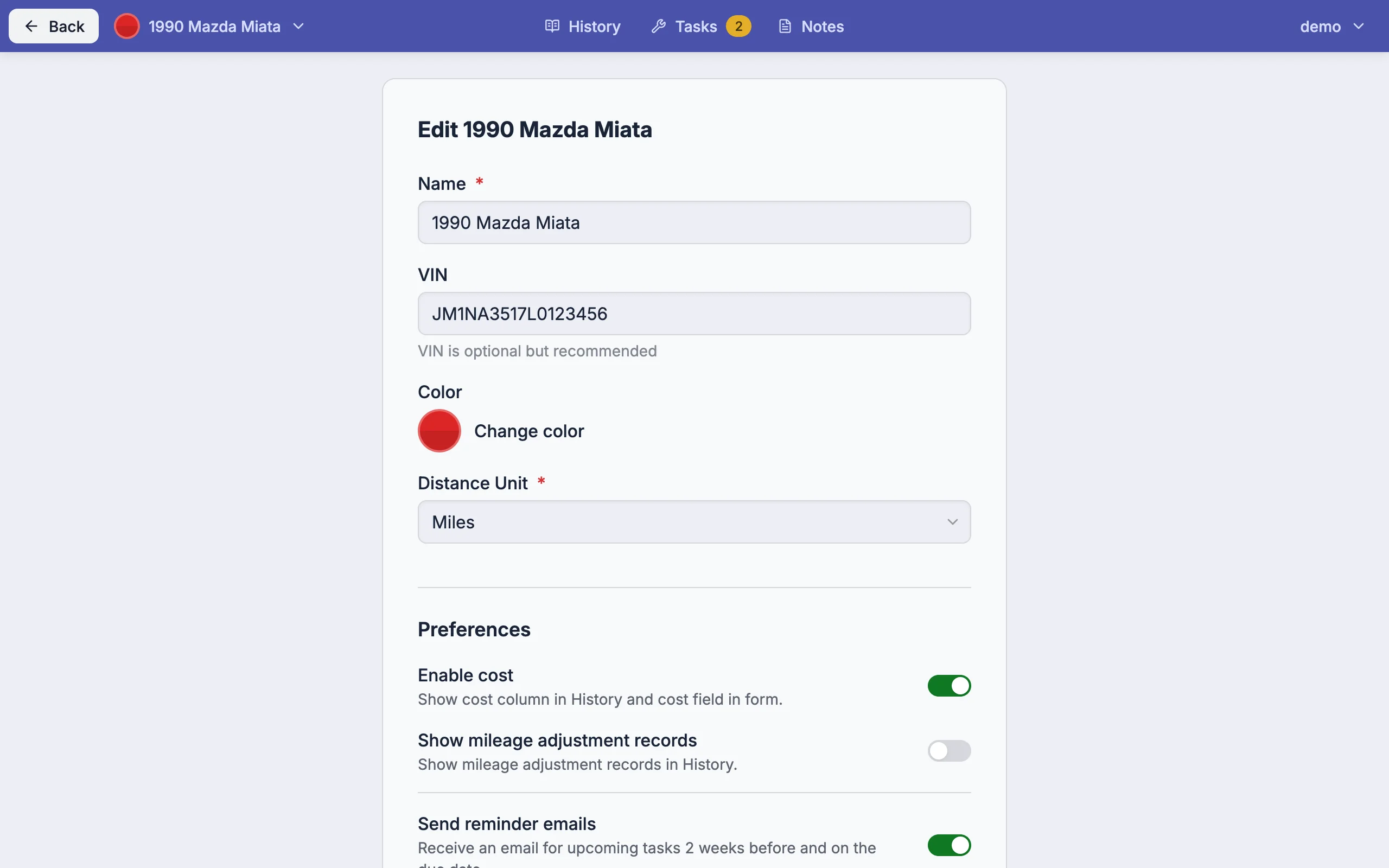
Edit opens a form for the name, VIN, color, distance unit, and preferences. Changes take effect on save.
Updating mileage #
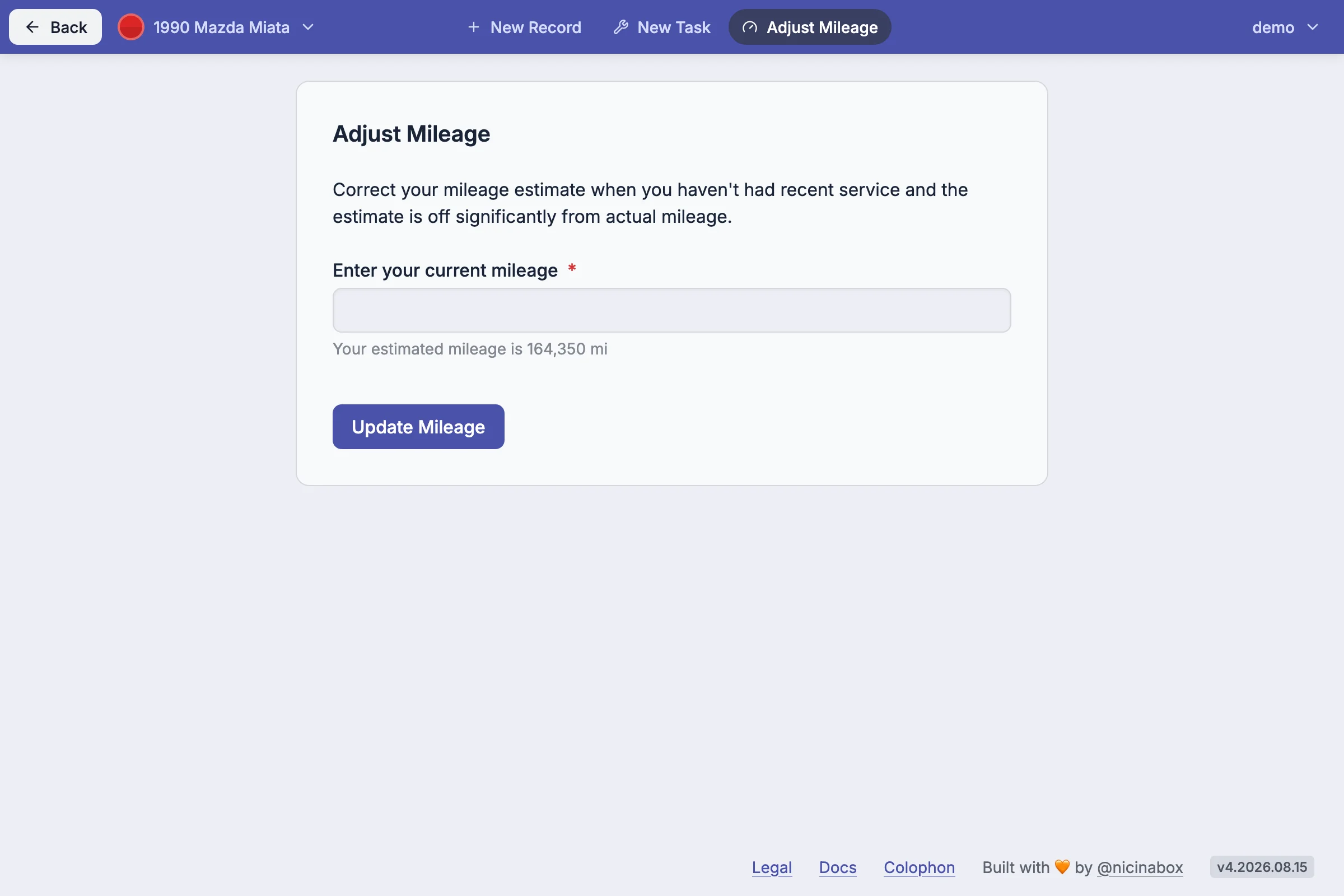
Mileage is not stored on the vehicle. It is carried by each record. To set or correct the current odometer reading without logging a service, use Mileage Adjustment from the vehicle's menu. The action creates a mileage-only record used by Projections.
Deleting #
To permanently remove a vehicle and its history, use the Delete Vehicle action in the Danger Zone at the bottom of the Edit screen. Deletion cannot be undone - all records, reminders, and service schedules for the vehicle are removed.